 QR Code Scanner
Scan QR codes instantly
Lightning-fast scanning from paper, packaging, or any screen — plus scan QR codes straight from pictures and screenshots in your photo library.
How to scan on iPhone →Point. Scan. Done. Scan any QR code or barcode in seconds, create custom QR codes with your logo, check what's really in your food and cosmetics, and compare prices while you shop — all in one free app with no ads.
Free download · No registration required · iOS 16.0 or later
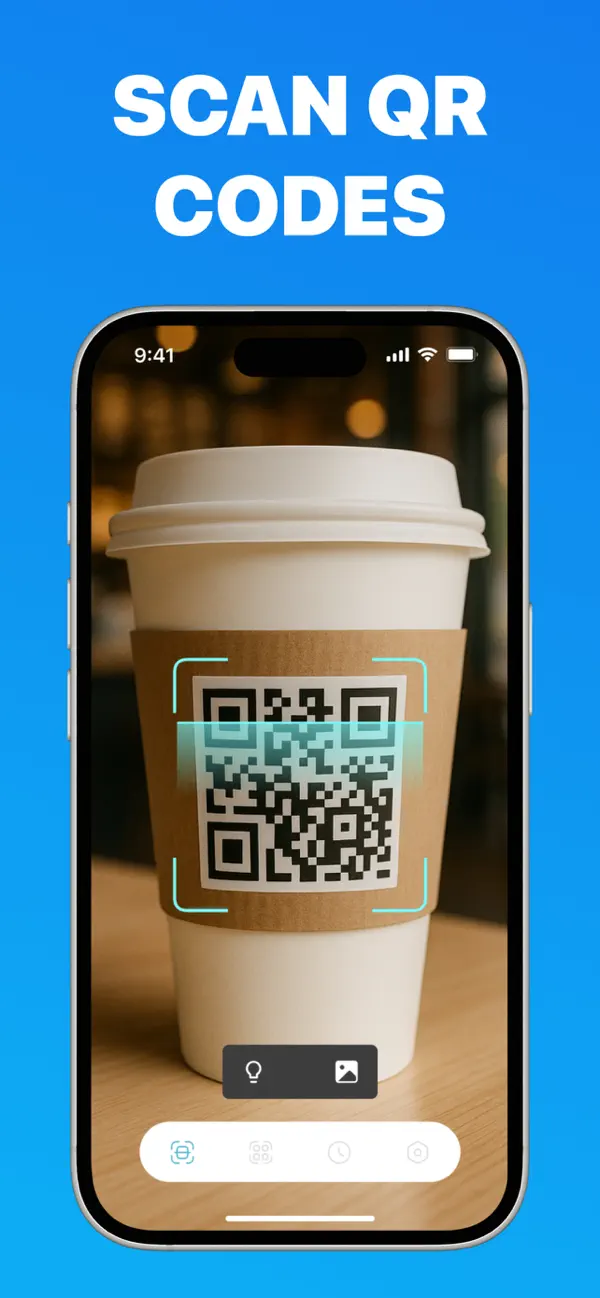
Most QR apps stop at scanning. This one reads every code, creates beautiful custom codes, and turns your camera into a shopping and health assistant.
Lightning-fast scanning from paper, packaging, or any screen — plus scan QR codes straight from pictures and screenshots in your photo library.
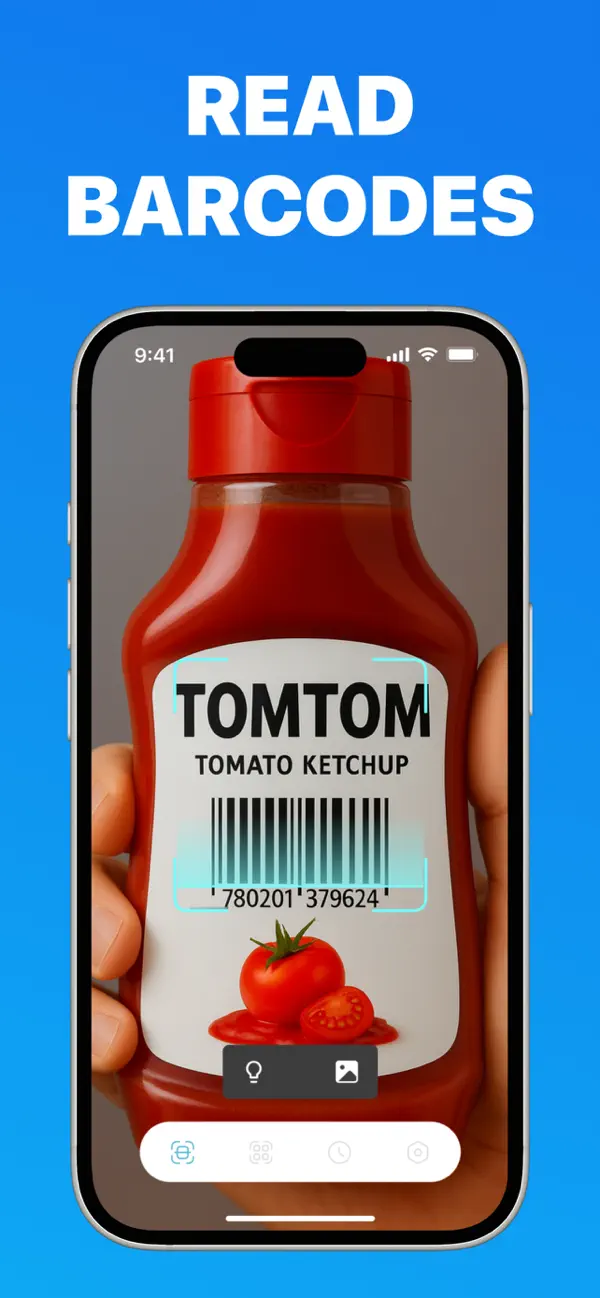
How to scan on iPhone →UPC, EAN, ISBN and more. Decode product barcodes in one tap and get the information hidden inside — no registration, no waiting.
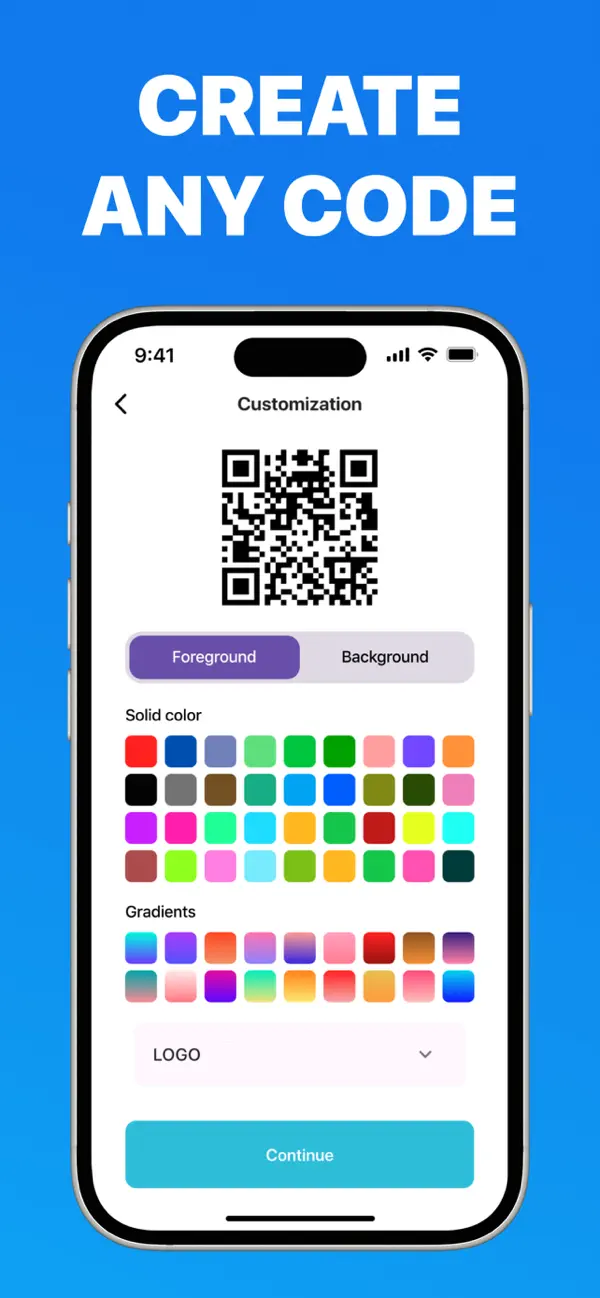
Why it's fast & ad-free →Generate QR codes for links, text, contacts and Wi-Fi. Customize colors and gradients, embed your logo, and create codes in bulk — free.
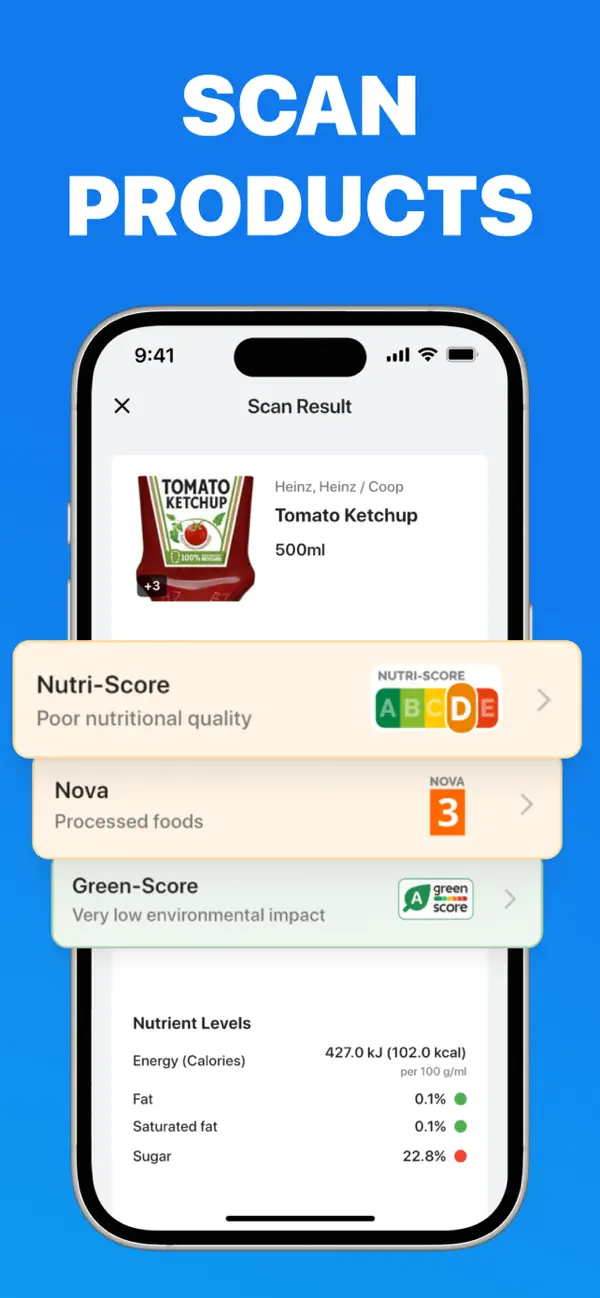
Make a free QR code →See Nutri-Score, NOVA processing level, Green-Score and full nutrient facts the moment you scan a grocery barcode.
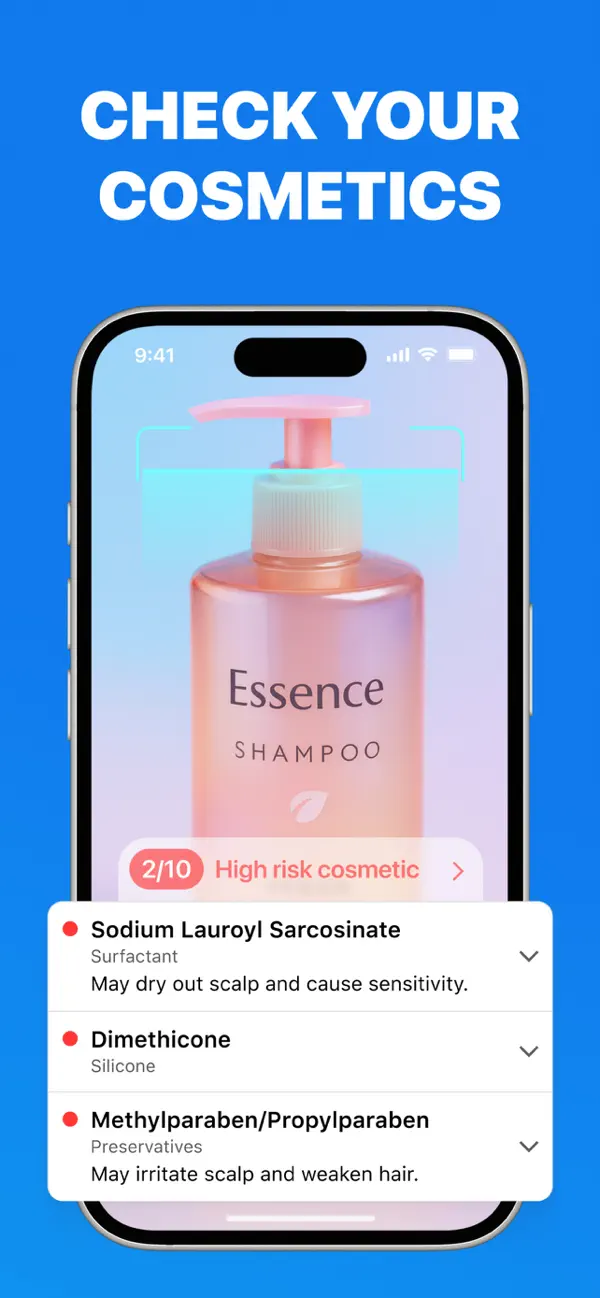
Check your food →Scan shampoo, skincare or makeup and instantly see a safety score with risky ingredients like parabens and silicones flagged in plain English.
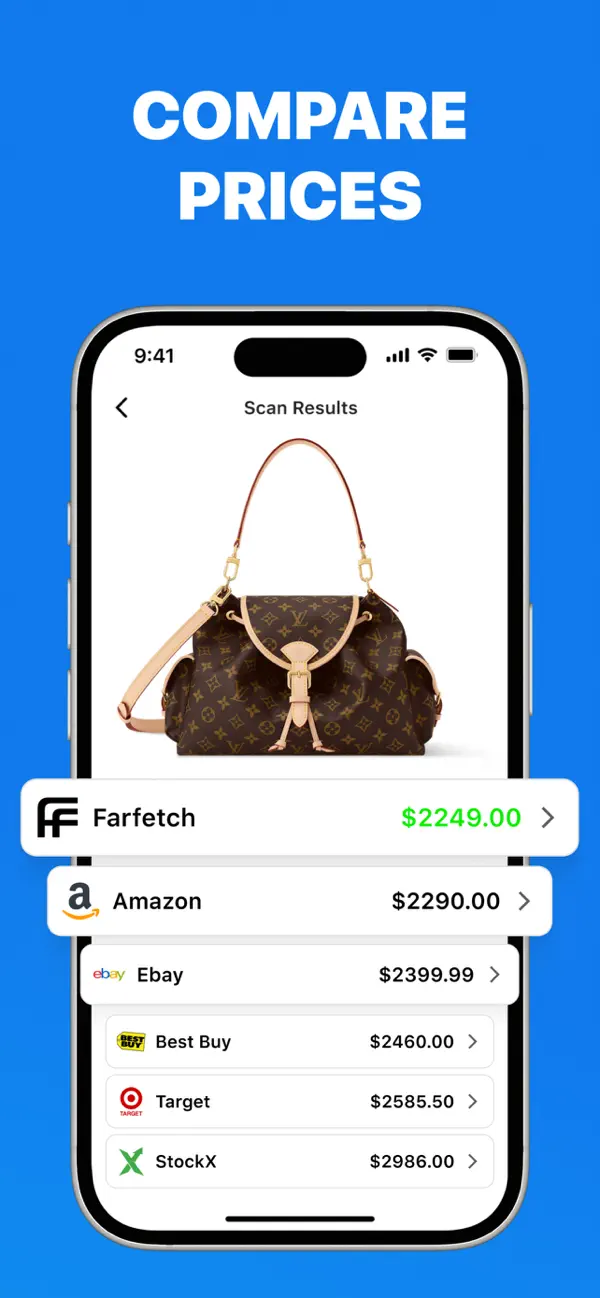
Scan your cosmetics →Scan any product barcode and see live prices across Amazon, eBay, Best Buy, Target, StockX and more — never overpay again.
Compare prices →A lightweight, beautiful scanner designed for one-handed use.
No account. No setup. You'll scan your first code within five seconds of opening the app.
The scanner starts instantly — no splash screens, no sign-up walls, no ads between you and the camera.
Aim at any QR code or barcode — on paper, packaging, or a screen. Use the flash in low light, or pick an image from your photos.
Links open, Wi-Fi connects, contacts save, and products reveal prices, ingredients and scores — automatically.
Step-by-step guides for the most common QR code and barcode tasks.
Every way to scan a QR code on iPhone or iPad — with the camera, from the Control Center, and with a dedicated scanner app.
Read the guide → ScanningGot a QR code saved in your photos? Here's how to decode QR codes from screenshots and images the camera app can't read.
Read the guide → CreatingMake unlimited QR codes for links, menus and business cards — customize colors and gradients and embed your logo, free.
Read the guide → CreatingLet guests join your Wi-Fi with one scan — no password typing. How to create and print a Wi-Fi QR code in under a minute.
Read the guide → ShoppingStanding in a store aisle? Scan the barcode and see what Amazon, eBay, Best Buy and Target charge for the same product.
Read the guide → HealthDecode Nutri-Score, NOVA and Green-Score labels. Scan any grocery barcode and see how healthy a product really is.
Read the guide → HealthParabens, silicones, harsh surfactants — scan your shampoo or skincare barcode and get a plain-English safety score.
Read the guide → AppTired of ad-stuffed scanner apps? What to look for in a private, offline-capable QR reader — and why this one is free.
Read the guide →Open the QR Code Scanner app, point your camera at the code, and the result opens instantly — no shutter button needed. It reads codes from paper, packaging and screens, and also scans codes saved in your photo library. Learn more →
Yes. Tap the photo icon in the scanner, pick any screenshot or picture from your library, and the app decodes it instantly — something the native iPhone camera can't do with saved images. Learn more →
Use the built-in generator: enter a link, text, contact or Wi-Fi network, then customize colors, apply gradients and embed your logo. Free, no sign-up, and your codes never expire. Learn more →
Create a Wi-Fi QR code by entering your network name, password and security type. Guests scan it and connect automatically — no typing. Learn more →
Yes. Scan any product barcode and see live prices for the same item across Amazon, eBay, Best Buy, Target, Farfetch and StockX — so you know instantly if the shelf price is a deal. Learn more →
Scan the barcode on any food product to see its Nutri-Score (A–E), NOVA processing level, Green-Score and a full nutrient breakdown — fat, sugar and calories per 100 g. Learn more →
Scan the barcode on a shampoo, cream or makeup product and get a score out of 10, with ingredients like parabens and silicones flagged and explained in plain English. Learn more →
Free to download and use, no ads, no registration. Scanning and code generation work fully offline; price comparison and product scores need a connection. Optional Premium unlocks extras. Learn more →