 QR Code Scanner
You can't point your camera at its own screen — so to scan a QR code saved in a picture or screenshot, open the image in a QR scanner app using its photo-import button, or long-press the code in the Photos app. The code decodes instantly, no printing or second phone required.
QR codes increasingly arrive digitally: a concert ticket in an email, a Wi-Fi code in a group chat, a payment code in a screenshot. That creates a classic problem — the code is on the same phone you'd use to scan it. Here are the two reliable ways to decode it.
Method 1: The scanner app (works on any image)
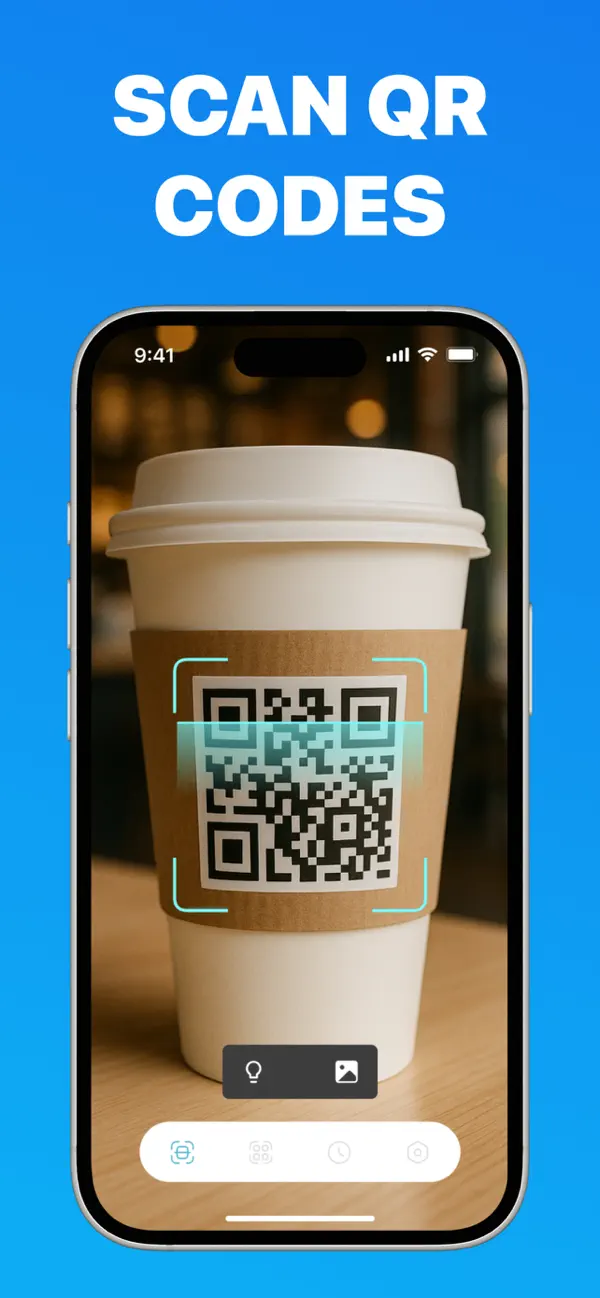
The QR Code Scanner * Barcode Reader app has a built-in photo import that decodes any image in your library:
- Save the QR code image — take a screenshot or save the photo from your chat or email.
- Open the app and tap the photo icon next to the flashlight on the scan screen.
- Pick the image. The QR code is decoded instantly — even if it's small, tilted or part of a larger screenshot — and the link, ticket, contact or Wi-Fi network opens like a normal scan.
This method also works with barcodes in images, keeps the result in your scan history, and needs no internet connection to decode.
Method 2: The Photos app (iOS built-in)
- Open the screenshot or photo in the Photos app.
- Press and hold directly on the QR code for about two seconds.
- Tap Open in Safari (or the action shown) from the pop-up menu.
If nothing happens, look for the small Live Text icon in the bottom-right corner and tap it first. This method is convenient but fails more often than a dedicated scanner: detection is unreliable when the code is small, at an angle, low-contrast, or surrounded by busy content — and it only handles QR codes, never barcodes.
When each method wins
- Quick link in a clean screenshot: Photos long-press is fine.
- Code won't detect, is tiny, or is rotated: the scanner app decodes it directly.
- Barcode in an image (a product, ISBN or ticket number): only the scanner app can read it.
- You'll need the result again later: the app saves every decode to history.
Decode any QR code in your photos
Screenshots, chat images, email attachments — one tap to decode. Free, no ads, works offline.
Frequently asked questions
Can the iPhone camera scan a QR code from a screenshot?
No. The Camera app only scans codes it sees live through the lens. For saved images you need the Photos app's detection or a scanner app with photo import.
Why doesn't Photos detect the QR code in my image?
Detection fails when the code is small, tilted, low-contrast, or embedded in a busy image. A dedicated scanner decodes the image file directly and reads codes Photos misses.
Can I scan a QR code someone sent me in WhatsApp or email?
Yes — save the image (or screenshot it), then import it in the scanner app. The link, contact or Wi-Fi details open exactly as if you had scanned it live.