 QR Code Scanner
A barcode lookup means taking the number in a product barcode (a 12-digit UPC, a 13-digit EAN or a book's ISBN) and searching a database for the product it belongs to. The fastest way is to scan the barcode with a barcode scanner app, which reads the number and shows the product. Without an app, type the digits printed under the bars into a search engine, or into a free database such as Verified by GS1, Open Food Facts for food or Open Library for books.
A barcode by itself tells you very little: it is a number drawn as stripes. Everything you want to know about the product, such as its name, brand, ingredients or price, sits in a database somewhere, and a lookup is how you get from the number to that record. This guide covers the ways to do it with a phone or a computer, which free tools are run by trustworthy organisations, and why some numbers come back empty.
What is a barcode lookup?
A barcode lookup is a search that uses the number stored in a barcode as the key to find the matching product record in a database. The number in a retail barcode is a Global Trade Item Number (GTIN). According to GS1 US's explanation of the GTIN, a GTIN can be 8, 12, 13 or 14 digits long: the 12-digit form is the UPC used mainly in North America, and the 13-digit form is the EAN used mainly elsewhere.
The barcode holds only that number. It has no product name, description or price in it, which is why a barcode doesn't contain the price and why a lookup always depends on the database behind it. Two tools can return different details for the same barcode, or one can find the product while the other finds nothing.
How do you look up a barcode with your phone?
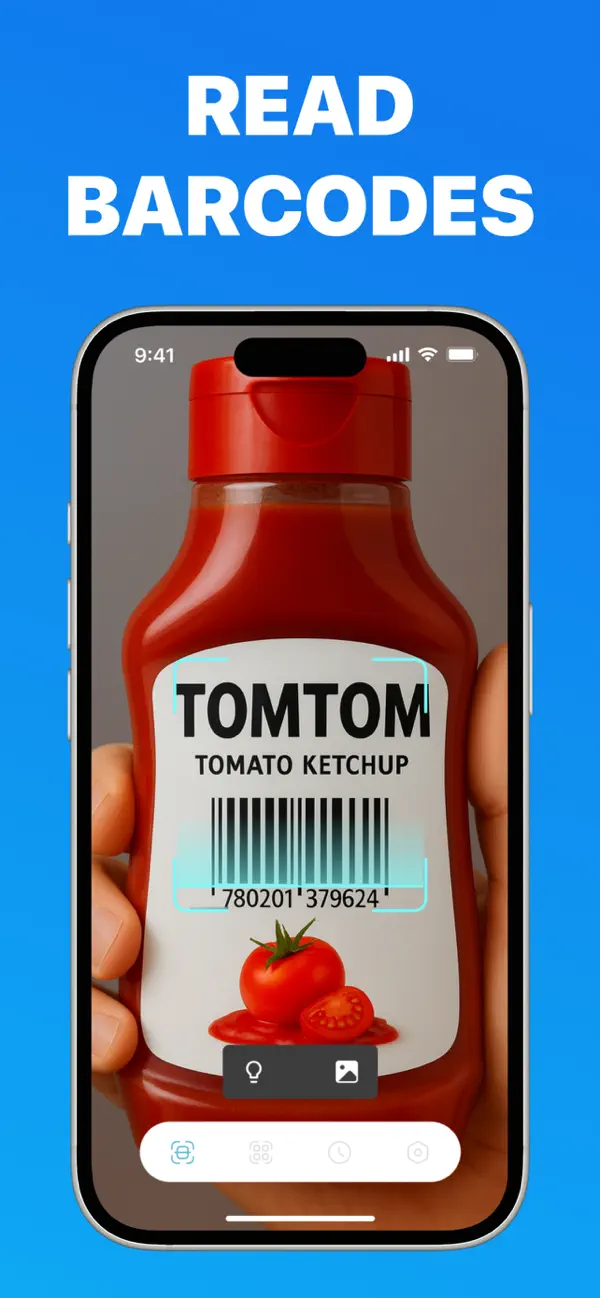
To look up a barcode with a phone, scan it with a barcode scanner app: the app reads the number from the stripes and searches for the product, so you don't type anything. On iPhone and iPad, the free QR Code Scanner * Barcode Reader app (iOS 16 or later, no ads, no registration) works like this:
- Open the app. It starts on the scan screen. Allow camera access the first time.
- Point the rear camera at the barcode. Fit the whole row of bars in the frame and hold steady. The app reads UPC, EAN and ISBN barcodes; in poor light, turn on the flashlight button.
- Read the result. The app shows the product it found. For food it adds the Nutri-Score, NOVA group and Green-Score, for cosmetics an ingredient risk analysis, and for products sold online a price comparison across Amazon, eBay, Best Buy, Target, Farfetch and StockX.
Reading the barcode works offline, but the product lookup needs mobile data or Wi-Fi. Every feature is free to use up to a usage limit, and an optional Premium in-app purchase removes the limits. The iPhone's built-in Camera app is documented for QR codes, not product barcodes; our guide on how to scan a barcode on iPhone explains the difference and what to do when a barcode won't scan. If you only have a photo of the barcode, see how to scan a barcode from a picture.
How do you look up a barcode number without an app?
Without an app, a barcode lookup is done by typing the digits printed under the bars into a search engine or a product database. It works on any phone or computer:
- Find the full number. Read every digit under the barcode, including the small ones at the far left and right. A UPC has 12 digits; an EAN or a book's ISBN has 13.
- Search for it. Type the number, with no spaces, into a search engine. For a product sold online, the results usually include the product page or store listings that carry the same number.
- Try a database for that kind of product. Food, books and company ownership each have a free, specialised database (see the table below).
- Or use Google Lens. In the Google app, point Lens at the barcode. Google's help page for Google Lens lists barcodes among the things it handles: you can use a barcode to find info about a product, like where to buy it.
Which free barcode lookup tools can you trust?
The most reliable free barcode lookups are the ones run by the organisations that issue or collect the numbers: GS1 for company ownership, Open Food Facts for food and Open Library for books. Each answers a different question.
| Tool | Best for | What you get |
|---|---|---|
| Verified by GS1 | Who owns a barcode number | The company that assigned the number and, if the brand supplied it, product information. Free for up to 30 queries a day |
| Open Food Facts | Food and drinks | Product name, brand, ingredients and nutrition from a volunteer-built open database |
| Open Library | Books (ISBN) | Title, author, publisher and edition |
| Search engine or Google Lens | Anything sold online | Product pages and store listings that mention the number |
| Barcode scanner app | A product in your hand | The product without typing, plus prices or scores depending on the app |
Verified by GS1: who owns the number
GS1 is the standards body that licenses barcode numbers to companies. Its support article on how to tell who assigned a GTIN to a product says a search in Verified by GS1 returns, at a minimum, information about the company, organisation or person who assigned the number and, if available in the database, the corresponding product information. The same article says the service is free to all users for a maximum of 30 queries per day. GS1 US offers the same kind of search in its GS1 Database lookup tool, also with up to 30 free searches per day, and notes that the results depend on the data supplied by the brand owner.
Open Food Facts: food and drinks
Open Food Facts describes itself as a collaborative, free and open database of food products from around the world, run as a non-profit project by volunteers. Its home page lets you scan a product or enter the barcode manually. Because volunteers add the products, coverage varies by country and brand. Our food scanner app guide explains the Nutri-Score, NOVA and Green-Score ratings shown for food products.
Open Library: books
The barcode on a book is its ISBN. The International ISBN Agency's page on what an ISBN is says ISBNs have always consisted of 13 digits since 1 January 2007 and currently start with 978 or 979. Open Library, an initiative of the Internet Archive, has a page for an ISBN at openlibrary.org/isbn/ followed by the number, showing the title, author and edition.
What can a barcode lookup tell you, and what can't it?
A barcode lookup can tell you which product a number identifies and which company registered it; it cannot tell you the price, where the product was made, when it expires or whether it is genuine.
- Product identity: yes. One barcode number stands for one exact product, size and variant, so a match gives you the name and brand.
- Price: only from a store or price database. The number has no price in it. A price scanner that compares retailers looks the product up at each store.
- Country of origin: no. GS1's support article on whether the GS1 prefix shows the country of origin answers no: the prefix belongs to the GS1 office that allocated the number, and the product may have been produced anywhere in the world.
- Expiry date and batch: no. Every unit of a product carries the same barcode, so the number can't describe one package. Dates and batch codes are printed separately, as our guide to what a cosmetic barcode tells you shows for beauty products.
- Authenticity: no. A copied product can carry a copied barcode. A successful lookup shows the number exists, not that the item in your hand is real.
Why does a barcode lookup show no result?
A barcode lookup comes back empty when the number was typed wrong, when the barcode is an in-store number that only one retailer uses, or when the product simply isn't in that database. Check these in order:
- A mistyped digit. The last digit of a barcode number is a check digit calculated from all the other digits, as GS1 US's check digit calculator explains. Enter the number without its last digit there; if the calculator gives a different last digit from the one you have, a digit is wrong.
- An in-store barcode. Labels printed by a store for weighed items such as meat, deli and cheese start with 2 and use numbers reserved for that retailer. No public database knows them.
- A product missing from the database. New products, store brands and items from small producers are often absent. GS1's own search can still show the company behind the number even when no product details were supplied.
- The wrong kind of database. A food database won't know a book or a phone charger. Try a search engine or a general scanner app instead.
- A code that isn't a product barcode. QR codes, shipping labels and serial-number barcodes hold other data. A scanner app shows what they contain, but there is no product to look up.
Look up a barcode by scanning it
Scan UPC, EAN and ISBN barcodes to see the product, with prices, food scores and cosmetic ingredient checks. Free, no ads, no sign-up.
Frequently asked questions
How do I look up a barcode number?
Type all the digits printed under the bars into a search engine, or scan the barcode with a barcode scanner app. For a specific kind of product, use a dedicated database: Open Food Facts for food, Open Library for a book's ISBN, or GS1's Verified by GS1 to see which company the number is registered to.
Is there a free barcode lookup?
Yes. Searching the number in a search engine is free, and so are Open Food Facts for food and Open Library for books. GS1's own lookup, Verified by GS1, is free for up to 30 queries per day.
How do I find out what product a barcode is for without the package?
If you only have the number or a photo of the barcode, search the 12 or 13 digits in a search engine or enter them in a product database such as Open Food Facts. The number identifies one exact product and size, so a match shows the product name and brand.
Can I find out which company a barcode belongs to?
Yes. GS1, the organisation that issues barcode numbers, runs a free search called Verified by GS1 that returns the company a number was licensed to. That company is the brand owner, which is not always the factory that made the product.
Can a barcode lookup tell me where a product was made?
No. The first digits of a barcode show which GS1 office issued the number, not the country of manufacture, and GS1 says the product may have been produced anywhere in the world. Look for the "Made in" statement printed on the packaging instead.